 Guitar Tab Player
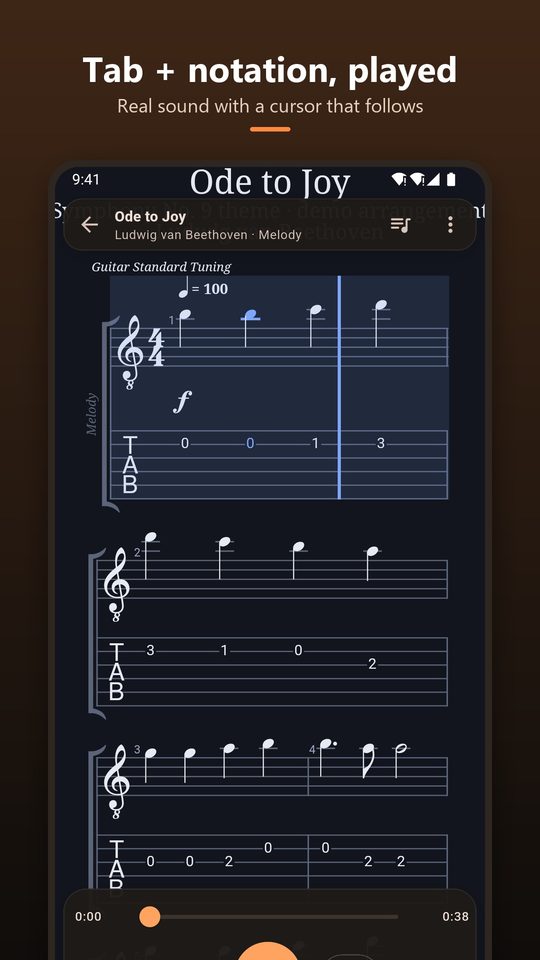
Tab and notation, played back
Every track is drawn as tablature with standard notation above it, and a cursor follows the music as it plays with real instrument sounds.
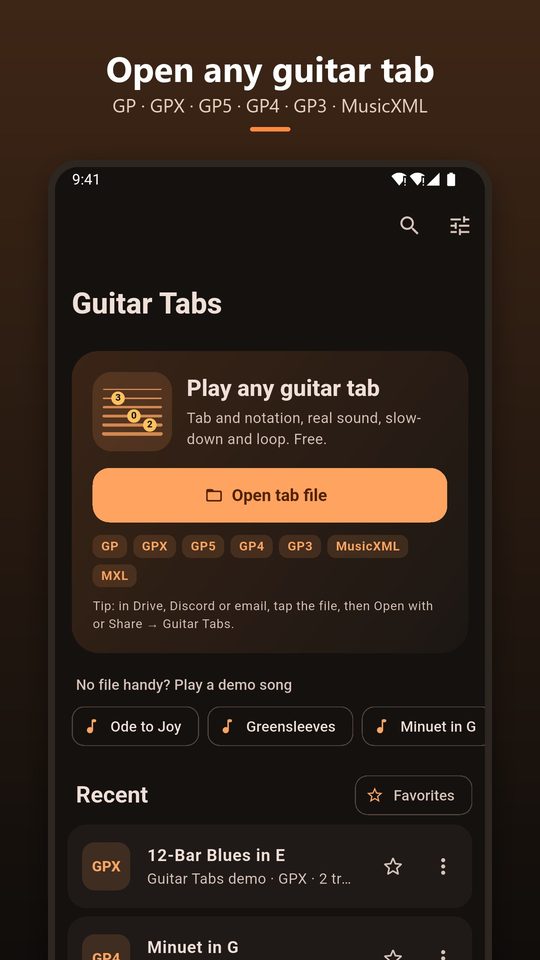
Open a tab from Drive, Discord or email, see the tab and notation together, and hear it played. Slow it down, loop the hard part and play along. Free, with no account.
Coming soon to Google PlayGP · GPX · GP5 · GP4 · GP3 · MusicXML · MXL. Works offline. Ads never interrupt playback.
Every track is drawn as tablature with standard notation above it, and a cursor follows the music as it plays with real instrument sounds.
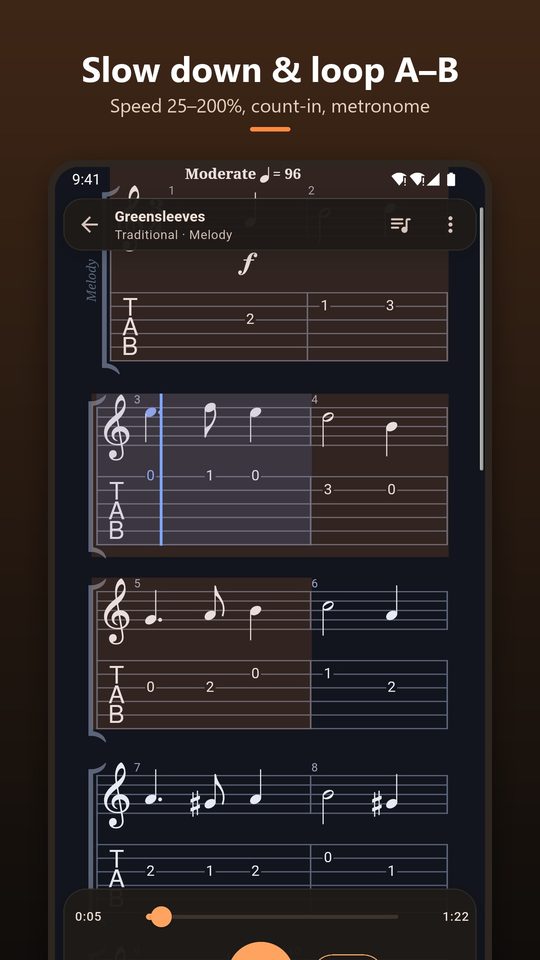
Set the speed from 25% to 200% and loop any section from A to B. Add a count-in and a metronome click.
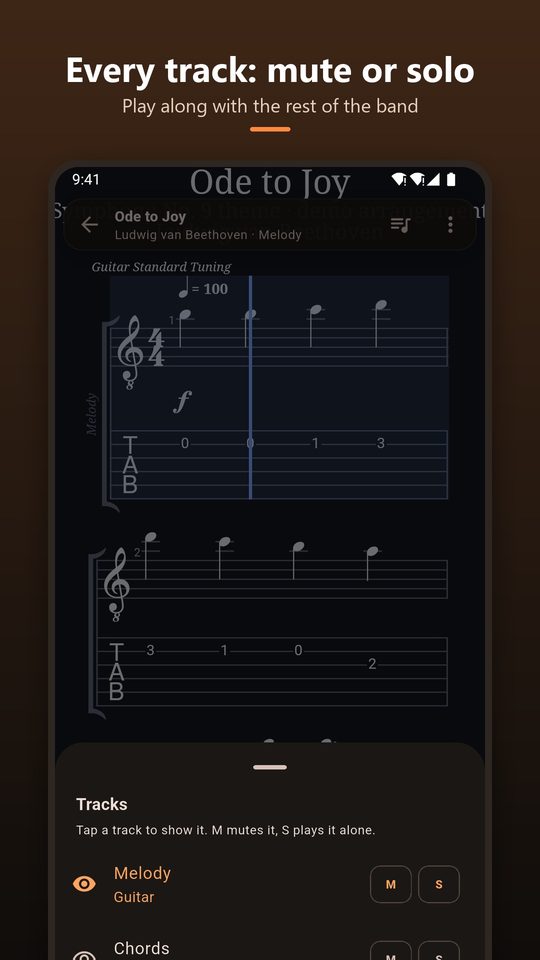
Switch between lead, rhythm and bass, and mute or solo tracks to play along with the rest of the band.
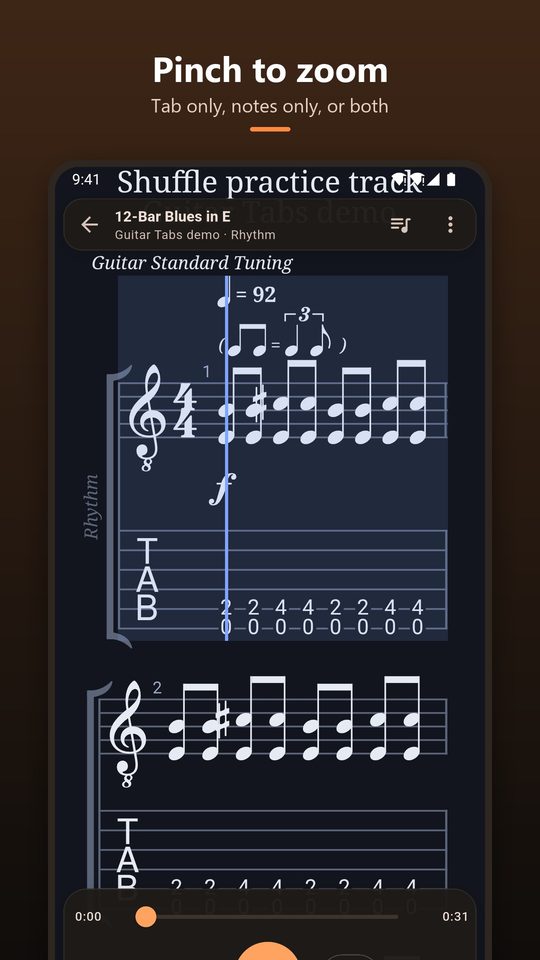
Pinch or use the buttons. Choose tab only, notation only, or both, in dark or light theme.
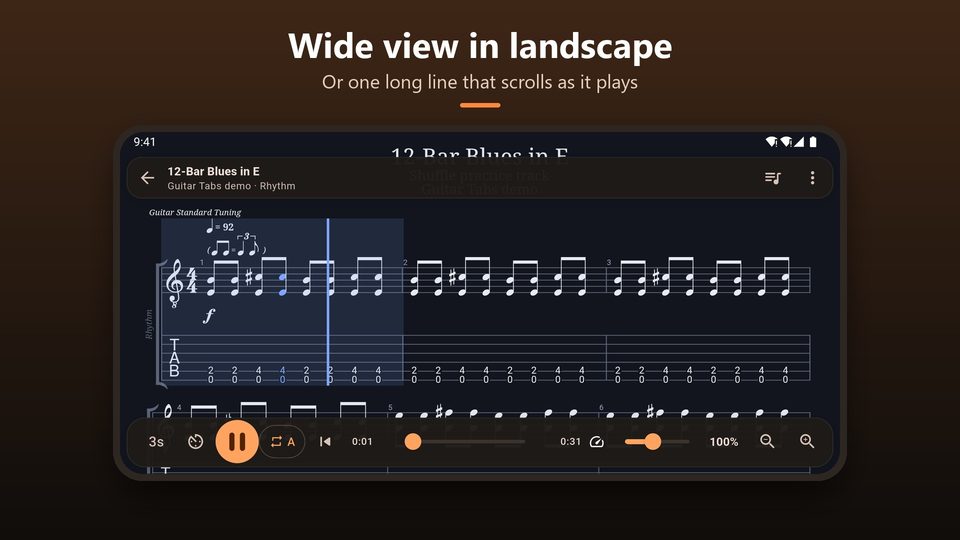
Turn the phone sideways for a wide view, or lay the song out on one long line that scrolls as it plays.
Guitar Pro format files rarely carry a proper file type, so other apps often send them as generic downloads. This app looks inside the file instead of trusting its name, so a tab from a Discord message, a Gmail attachment or a Drive folder opens with one tap. Damaged or unsupported files get a clear message, never a crash.
Yes. Every feature is free: opening files, playback, slow-down, A–B loop, count-in, metronome, track mute and solo, transpose and zoom. The app shows ads on the library screen, but never during playback and never on top of a score.
Guitar Pro format files (.gp, .gpx, .gp5, .gp4, .gp3) and MusicXML (.musicxml, .xml, .mxl). Files without an extension, common on Discord and in email, are recognized by their content.
Tap the file, choose Open with or Share, and pick Guitar Tabs. You can also tap Open tab file in the app and browse to it in Downloads or Drive.
Yes. The speed slider goes from 25% to 200%. Combine it with the A–B loop to practise a riff slowly, then speed it up.
Not directly. Export .ptb or .tg files as GP5 or MusicXML first, then open them in the app.
No. Tabs are read and played on your phone and the app works offline. There is no account and no server that receives your files.